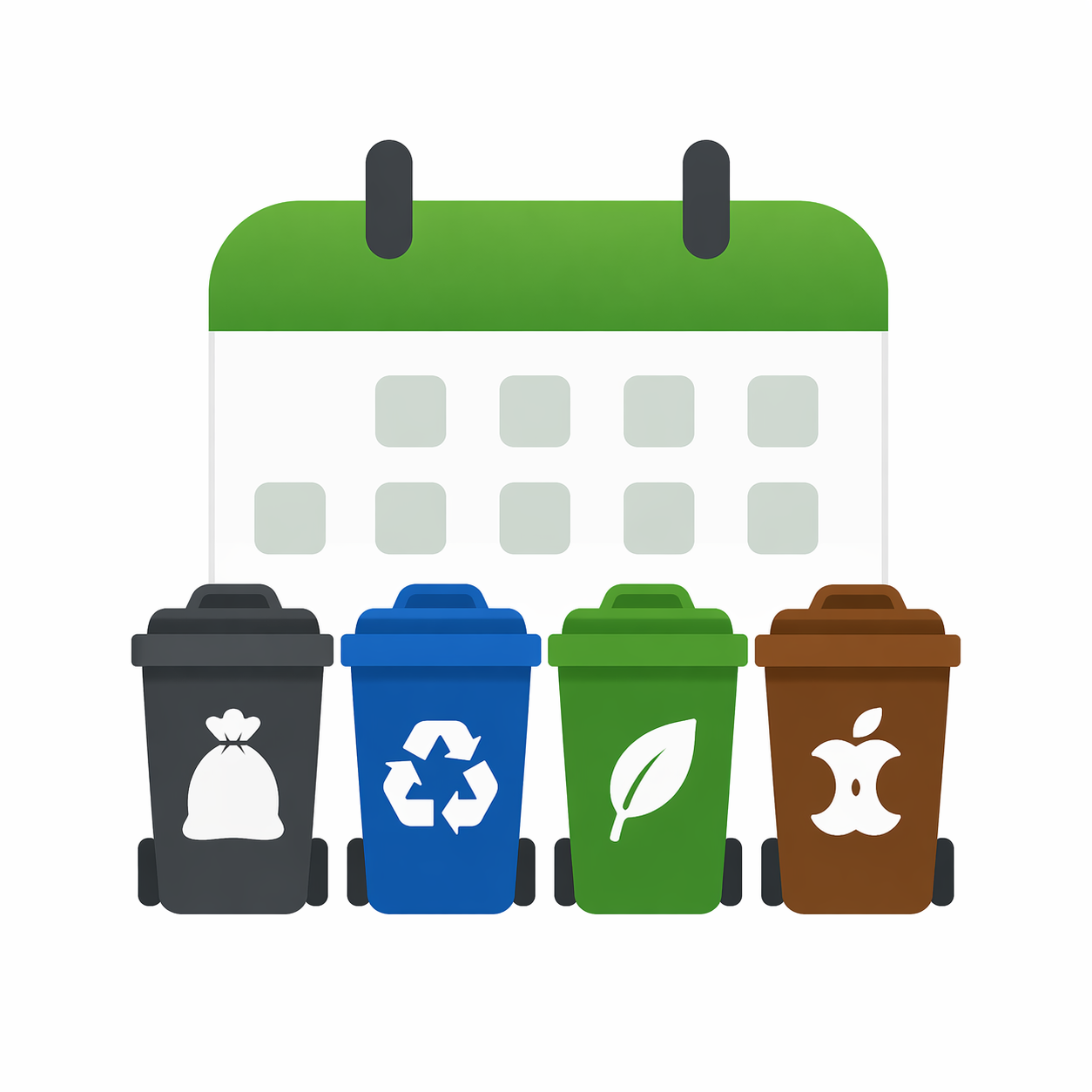
A home-screen widget for iPhone that counts down to your next pickup — garbage, recycling, yard waste, and compost — with a customizable day-before reminder.
How It Works
Configure your pickup schedule once, then let BinDay take care of the rest.
Choose which days each bin type is picked up — weekly, bi-weekly, or custom.
Long-press your home screen, tap +, and add the BinDay widget in your preferred size.
Pick a time for your day-before notification so you never forget to take the bins out.
Your widget counts down automatically. Multiple pickups on the same day? BinDay shows them all.
Bin Types
Add as many bin types as your municipality uses — each with its own pickup schedule.
General waste collected on your regular trash day.
Bottles, cans, cardboard, and plastics.
Grass clippings, leaves, branches, and garden trimmings.
Food scraps and organic waste for composting pickup.
Features
Powerful where it matters, simple everywhere else.
Glanceable days-until countdown right on your home screen. Always know what's next.
When garbage and recycling fall on the same day, BinDay shows both bins together on the widget.
Get a push notification the evening before each pickup — at whatever time you choose.
Weekly, bi-weekly, or fully custom pickup schedules for each bin type independently.
Small, medium, and large widget sizes to fit wherever you want it on your home screen.